One Link, Twelve Schedule Changes: A Small-Business Holiday Hours Fix

Photo: JoachimKohler-HB, CC BY-SA 4.0, via Wikimedia Commons
Every November, small-business owners across the country perform the same ritual: print a holiday hours sign, tape it to the door, and then quietly hope nobody notices when the hours change three more times before Christmas.
Because they always change. Black Friday lands on November 27 this year, which means the next six weeks are a rotating cast of early openings, late closings, closed-for-inventory days, and that one Saturday you agreed to because a supplier asked nicely. The paper on your door can't keep up. Neither can the hours listed in your Instagram bio, the footer of your receipts, or the Google Business Profile you updated in a hurry on your phone while standing in the stockroom.
Here's the fix, and it costs nothing but about twenty minutes.
Stop publishing hours. Publish a link to your hours.
A printed sign is a snapshot. A link is a live feed. If every place you mention your schedule points to one page you control, then changing your hours becomes a single edit instead of a scavenger hunt through six platforms.
What you want is a short, memorable URL — something like yourshop.link/holiday — that never changes, no matter what happens behind it. The page behind it can say "closed January 2" on Monday and "open January 2, 9 to 2" on Tuesday. The link stays put.
Build the page in fifteen minutes
You don't need a designer. You need a plain page with a few honest blocks of text:
- This week's hours, written out day by day, in plain language. "Thursday: closed. Friday: 6 a.m. to noon." Not "see store for details."
- Special dates, listed separately — Black Friday, Small Business Saturday, Christmas Eve, New Year's Eve, the day you're closed for inventory.
- A phone number and address, because a surprising number of people click the link while already parked outside.
- A line about when it was last updated. "Updated November 24" builds more trust than any badge or banner.
Keep it ugly-simple. If it loads in under two seconds on a phone with one bar of signal, you've done it right.
Put the link everywhere paper goes
The whole point is coverage. When the link is stable, you can print it once and leave it alone:
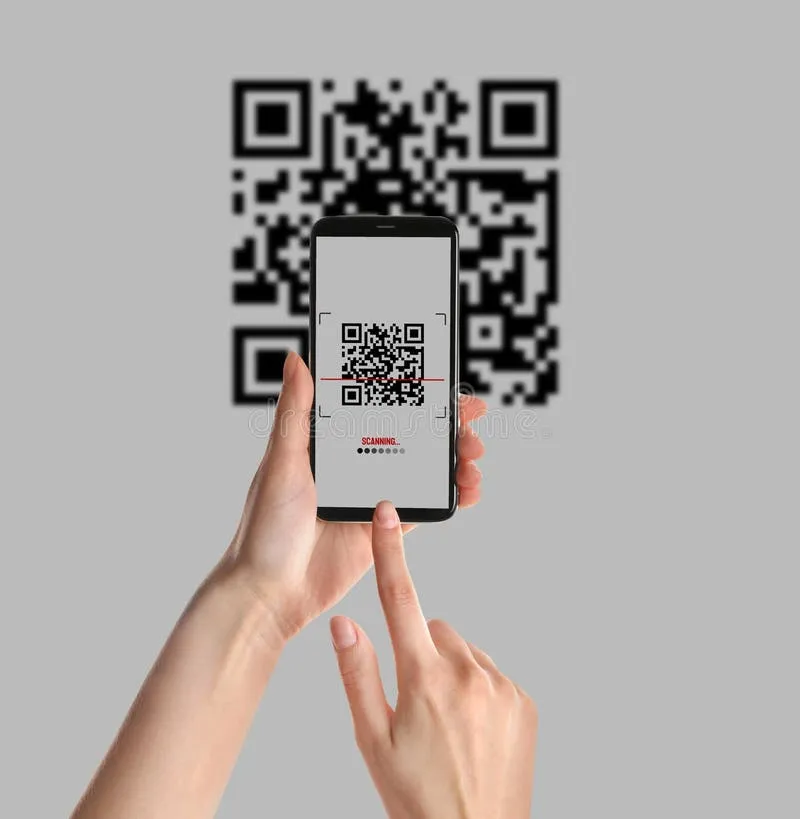
- The door sign itself — as text and as a QR code, side by side. Some people scan. Some people type. Serve both.
- Receipt footers and bag stuffers. Your December customers are your January customers.
- Your Instagram and Facebook bios, replacing the hours line that will be wrong by Friday.
- Your Google Business Profile website field, or the posts you publish each week.
- The hold message and voicemail greeting, spoken slowly.
- Any holiday market flyer, menu insert, or vendor booth signage you're printing anyway.
Test it the way a customer would
Before anything goes to the printer, do this on your own phone, using your cellular data rather than store Wi-Fi:
- Scan the QR code from a printed proof, not your screen. Screens and printers render contrast differently.
- Tap the link from a text message and from an email, since some apps mangle long URLs.
- Open it in Safari and in Chrome.
- Hand the phone to someone who has never seen the page and watch where their eyes go. If they ask "so are you open Friday?" then the page isn't clear enough yet.
When the schedule changes again — and it will
Here's the payoff. On December 18, when a staff member calls out and you decide to close early, you don't reprint, re-tape, or re-post anything. You open the page, change one line, save, and go back to running your business. The sign on the door is still correct, because it was never carrying the details in the first place — it was carrying the link.
One last thing: set a reminder for January 5 to reset the page to your normal hours. A stale holiday page in February is its own kind of bad review.