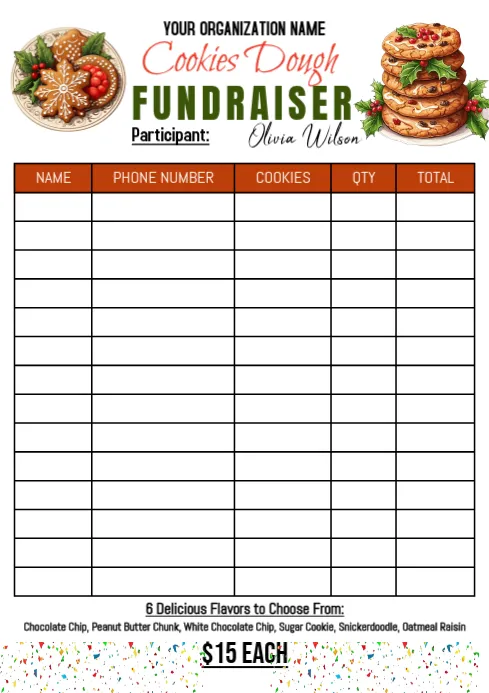
Five Minutes of Clicking Beats 500 Wasted Flyers: A Pre-Print Checklist for Links That Live on Paper
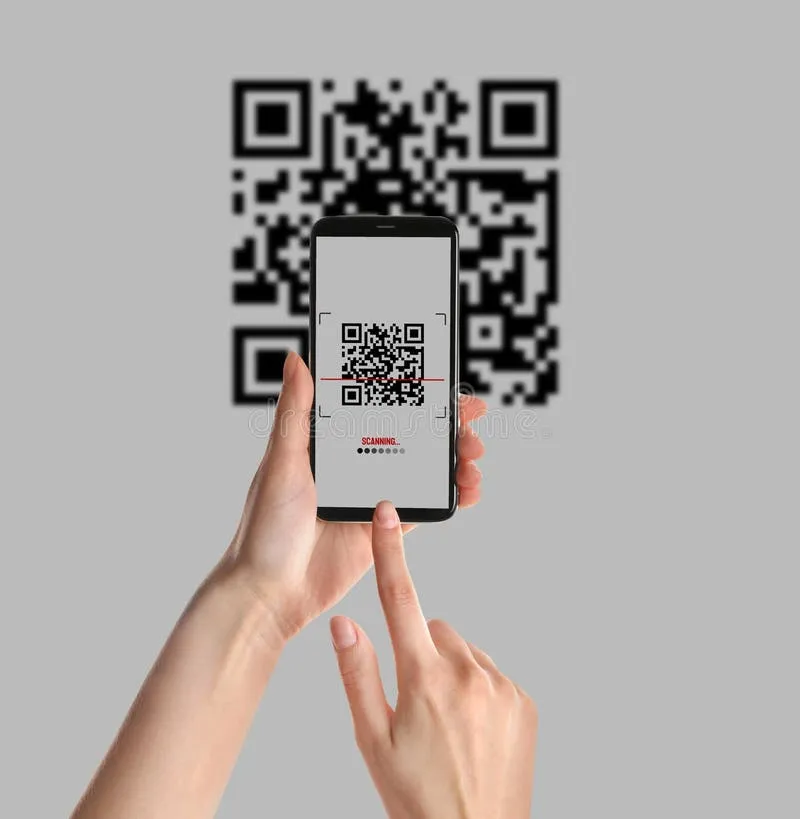
Photo: person testing QR code flyer on smartphone close up, via thumbs.dreamstime.com
Paper is unforgiving. You can fix a typo in an email in ten seconds, but the moment your link shows up on 500 community flyers, a church bulletin insert, or a banner at the flea market, it's frozen in ink. If that URL is broken, mistyped, or pointing at a page you deleted last week, you just paid a print shop to advertise a dead end.
The good news: avoiding that disaster takes about five minutes and zero technical skill. Here's the checklist we run through at LinkForge before anything goes to the printer.
Step 1: Don't Print Your Long, Ugly Link
First things first — nobody is typing a 90-character URL off a flyer. If your link came straight from a website and looks like alphabet soup with question marks, shorten it before anything else. A clean link like url-site.com/springsale is easy to read, easy to type, and easy to remember.
This isn't just about looks. A short link is also your insurance policy, which brings us to the next step.
Step 2: Build the Redirect Now, Thank Yourself Later
Here's the mistake almost everyone makes: they print the direct link to a specific page. Then the event moves venues, the sale gets postponed, or the website gets redesigned, and every flyer in circulation is suddenly wrong.
Instead, print a link you control — a short URL that redirects to wherever the real destination currently lives. When the page moves, you update the redirect, not the flyers. The paper keeps working. This is the entire trick. A printed link should never point directly at anything; it should point at a doorway you can move.
Step 3: Test It Like a Stranger Would
Now pretend you know nothing. Hand your phone to a friend and ask them to type in the link exactly as printed. You'll be amazed what people see that you don't:
- Is the font big enough to read at arm's length?
- Are there characters that could be confused — a lowercase L that looks like a capital I, a zero that reads as the letter O?
- Does the link work with or without the www?
- If it's a QR code, does it actually scan from three feet away, or only when someone's nose is on the paper?
Test on at least two devices — an iPhone and an Android at minimum — and ideally on different carriers. A link that loads fine on your home Wi-Fi might crawl on cellular data, and a potential customer standing in a parking lot won't wait around.
Step 4: Check Where the Link Goes After the Click
A working link isn't the same as a working destination. Click through all the way to the end. Does the page load on a phone screen, or is it a desktop layout shrunk into unreadability? Does it ask someone to download an app just to see your yard sale hours? Does it 404?
If your destination is a PDF, a Google Doc, or a social media page, double-check the sharing permissions. A "link not accessible" error is the most common way printed links die, and it's entirely preventable.
Step 5: Add Tracking So You Know If It Worked
This is the part most small-town advertisers skip, and it's a shame, because it's free. Most link shorteners let you see how many clicks a URL received. Put a different short link on each physical item — one for the flyers, one for the yard sign, one for the newspaper ad — and you'll learn exactly which piece of paper is doing the work.
Suddenly "we got a good turnout" becomes "the flyers drove 60 clicks and the yard sign drove 12." Next season, you spend your printing budget where it actually counts.
The Five-Minute Version
Pressed for time? Here's the whole routine in shorthand:
- Shorten the link so you control it.
- Point it at a redirect, not a final destination.
- Test on two phones, in real lighting, from a realistic distance.
- Click all the way through and check mobile access.
- Use a unique link per printed item and watch the clicks roll in.
Think of it as print insurance. Five minutes at your desk before the print run protects every flyer, sign, and sticker for as long as they're out in the world — and in a small town, that can be a long, long time.